
See Priority Swarm in action
A quick walkthrough of how a study goes from setup to results.
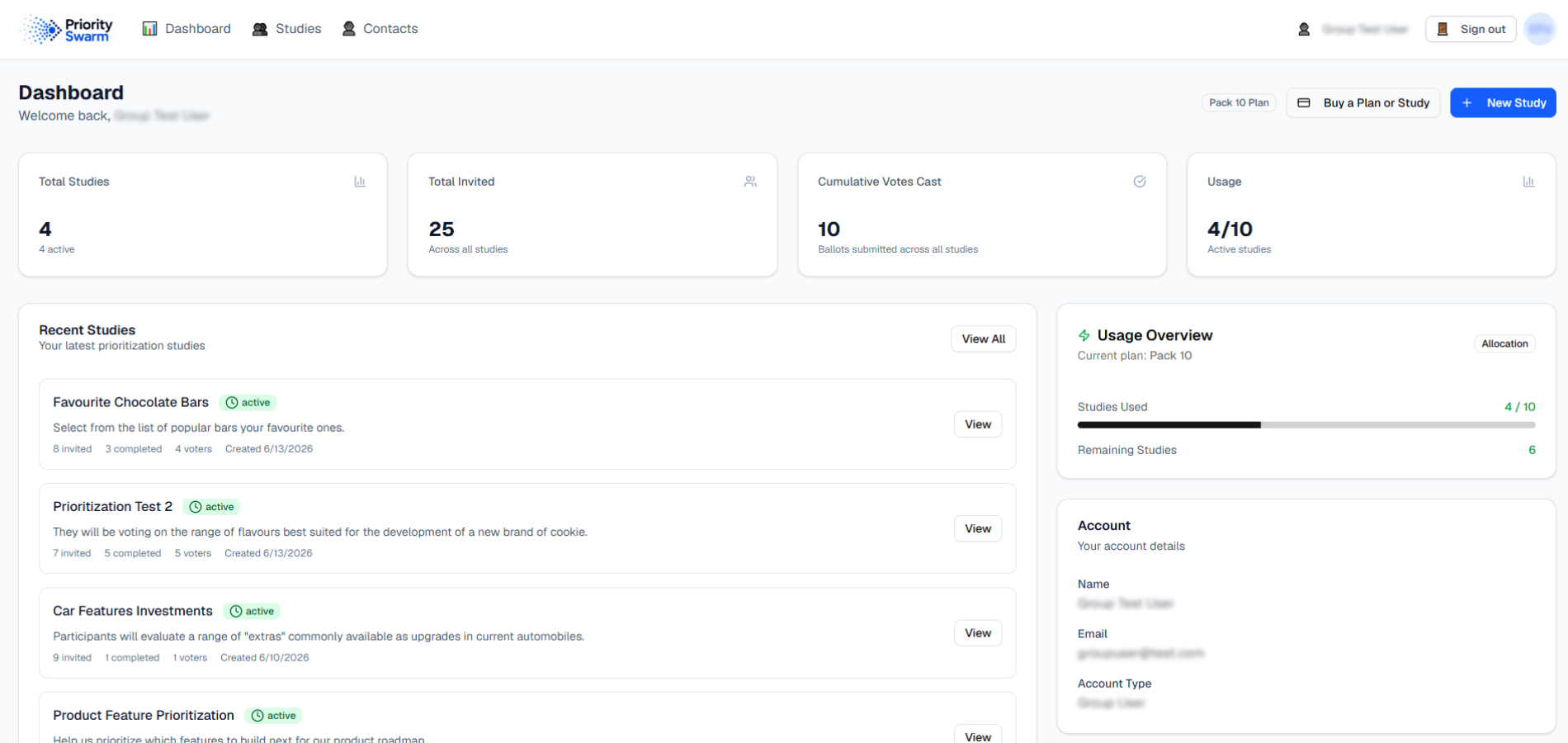
Your dashboard
From your dashboard, see all the prioritization studies in your account and keep current on account usage and characteristics.
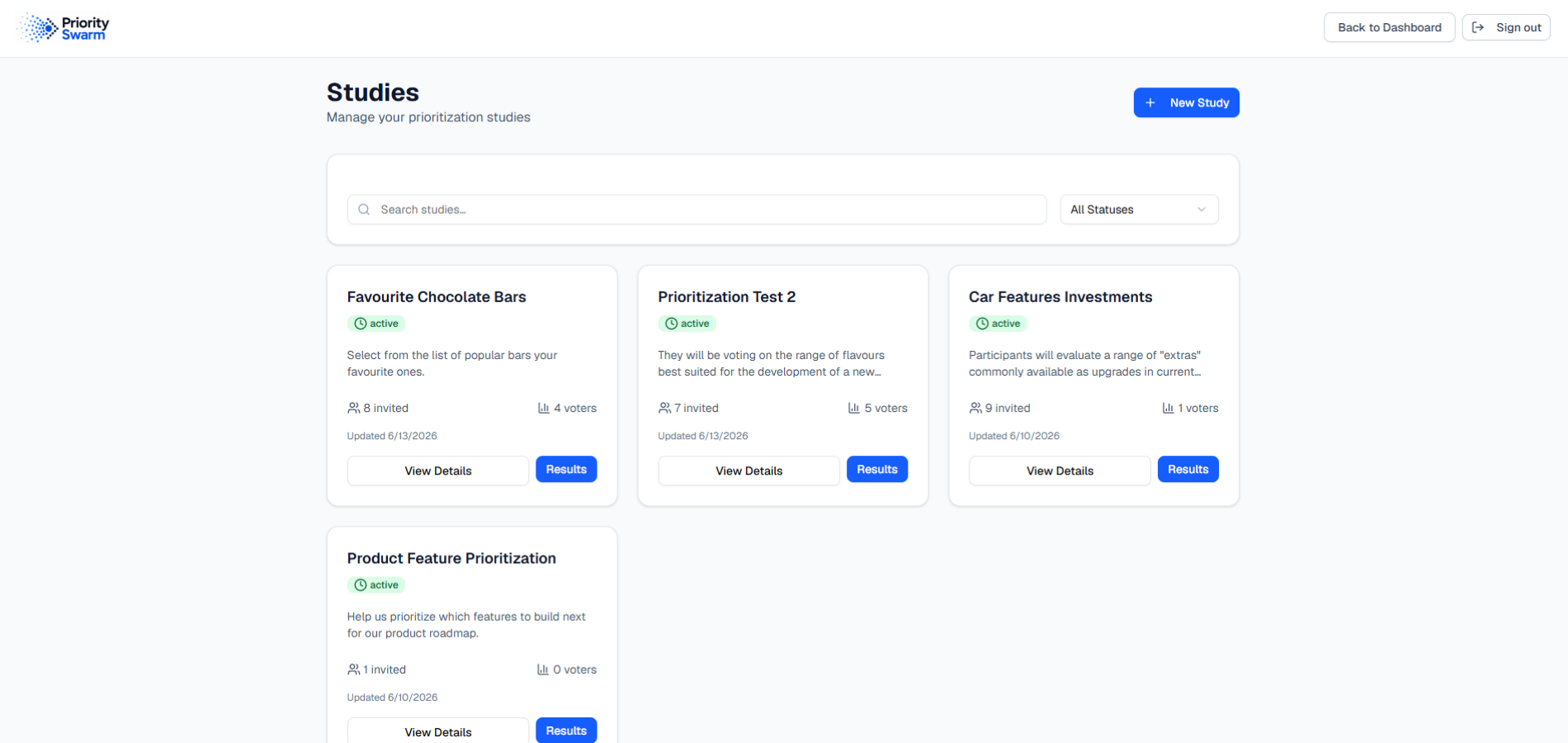
All your studies
The Studies screen lets you access any ongoing or previous study, and shows each one's progress stage.
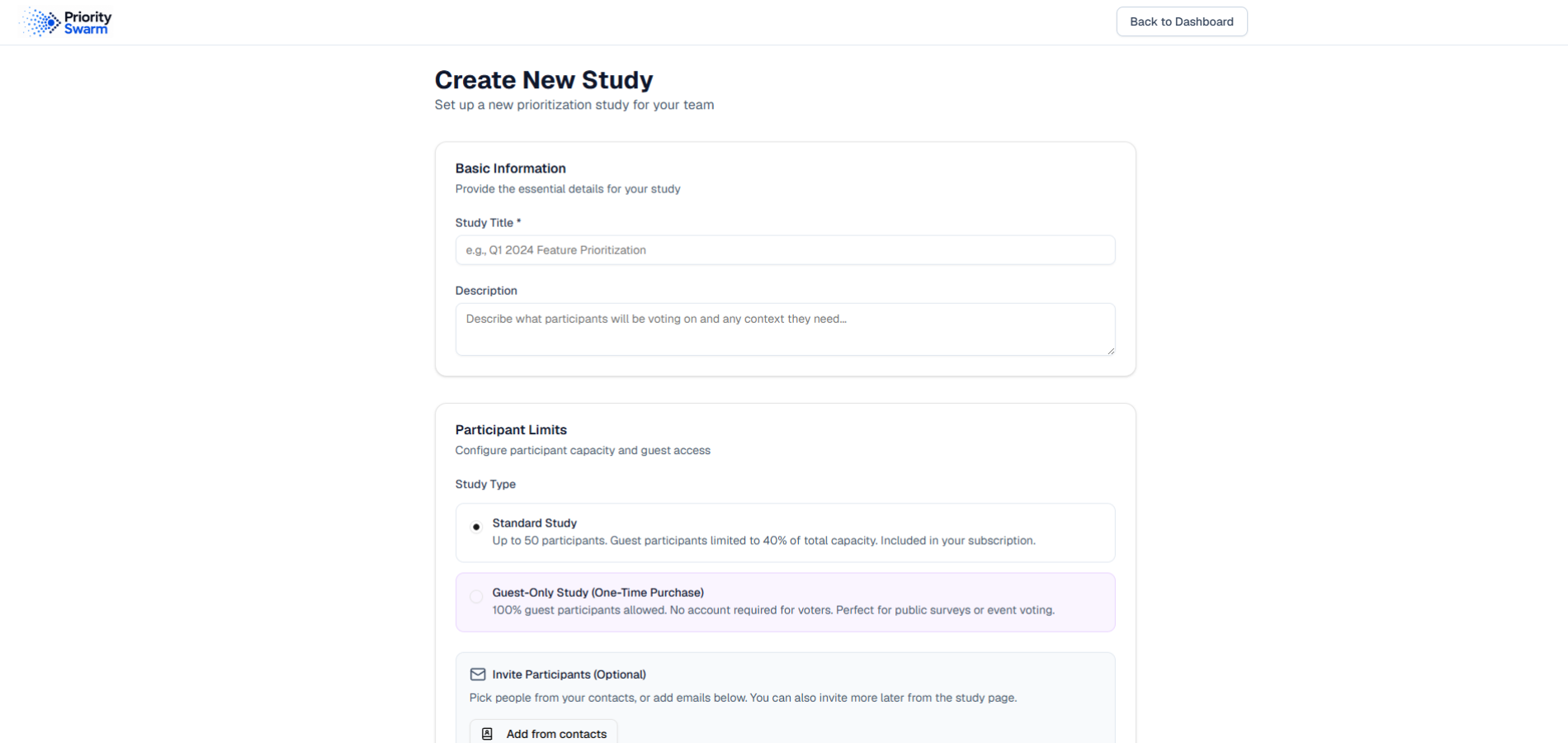
Create a new study
When you create a new study, you configure its characteristics — and can upgrade from this screen to achieve various objectives.
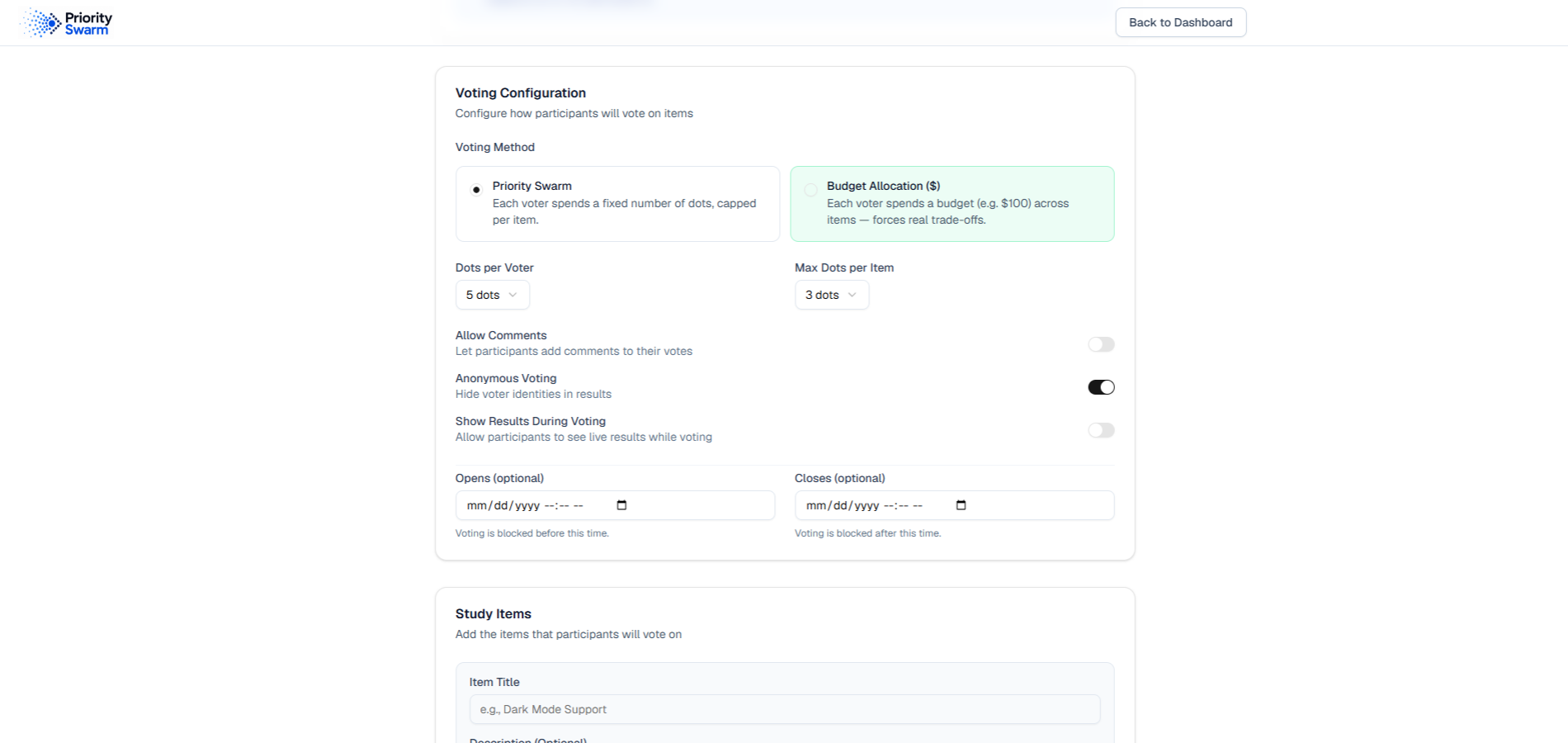
Configure your method
Configure your prioritization with an intuitive interface that lets you choose from the two prioritization methods.
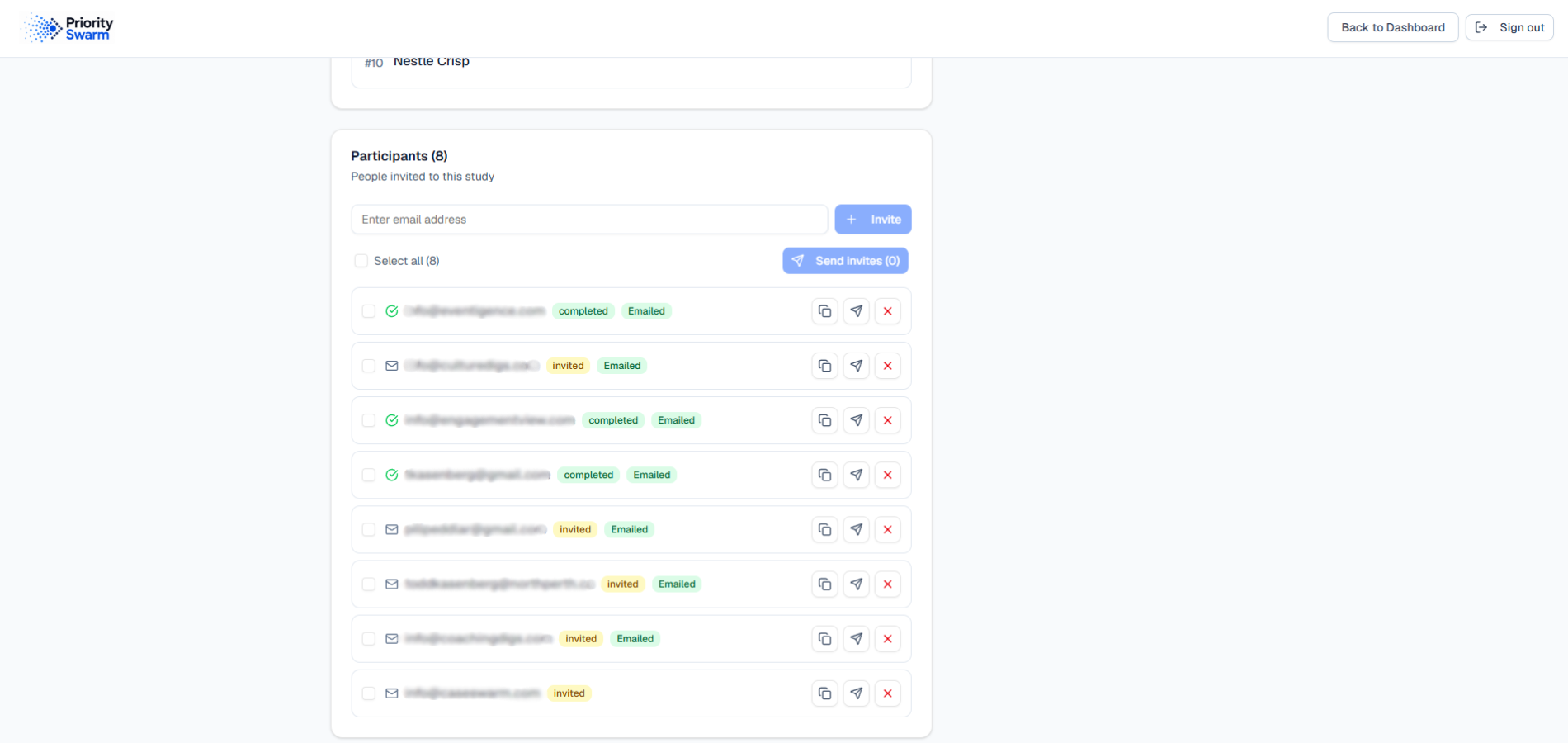
Assign from your pool
Assign participants stored in your standing pool to any prioritization exercise.
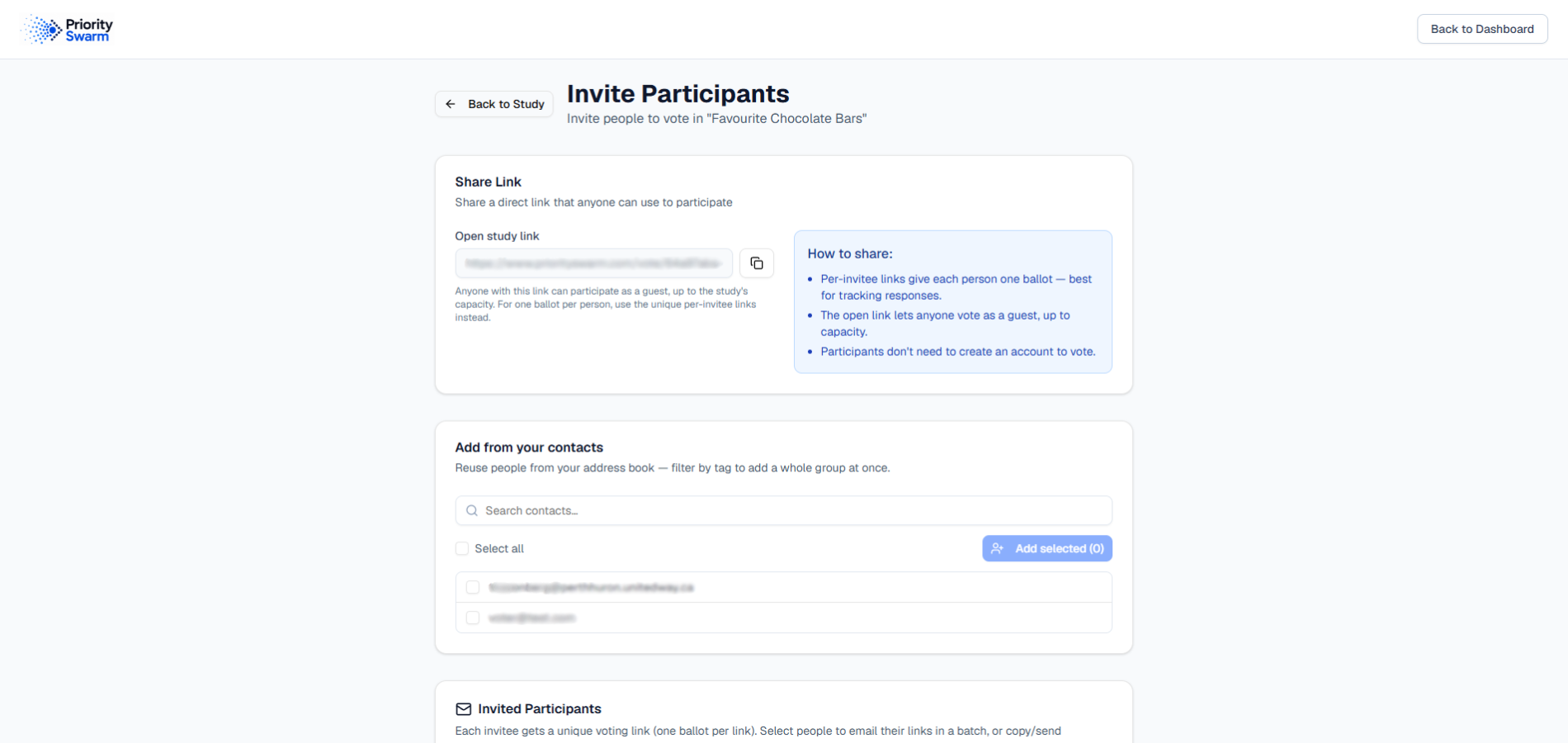
Invite participants
Invite the people who'll take part — registered members of the system and, up to the allowed limits, guests.
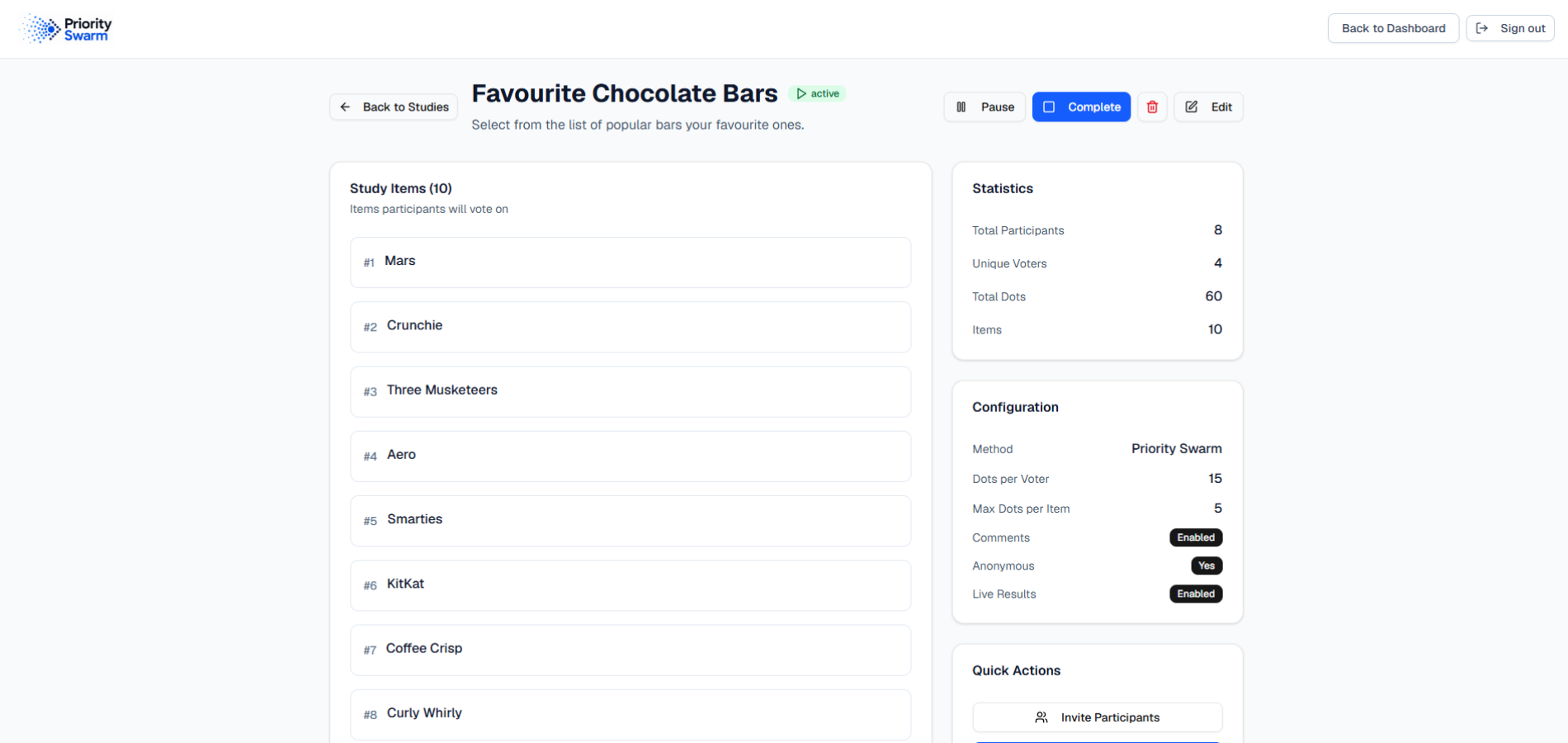
Manage your study
Control the progress of your exercise. At a glance, see your list of items, the methods used, and your configuration parameters.
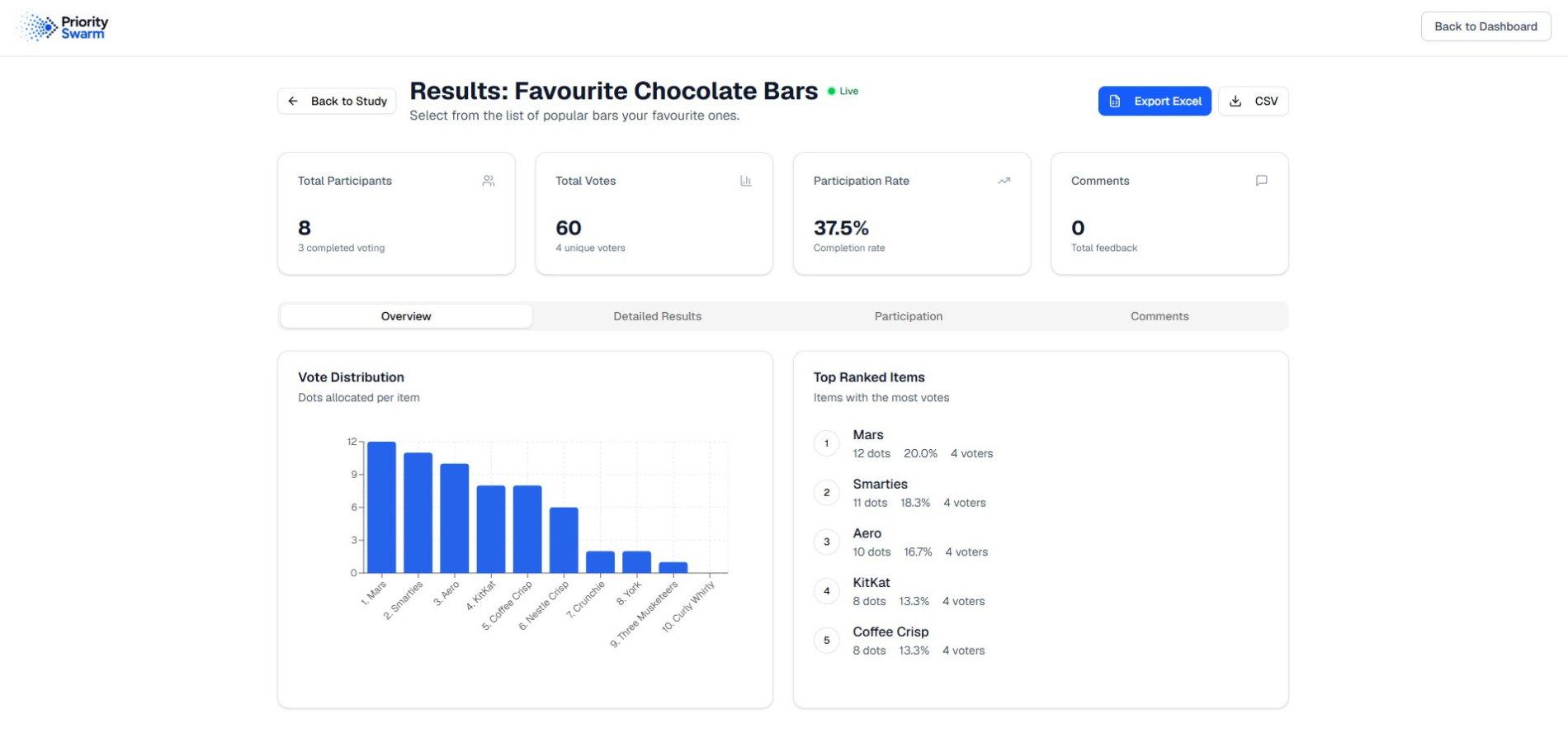
See the results
View the results of the prioritization, including top items, and download summaries for your records.